Art style
Settings
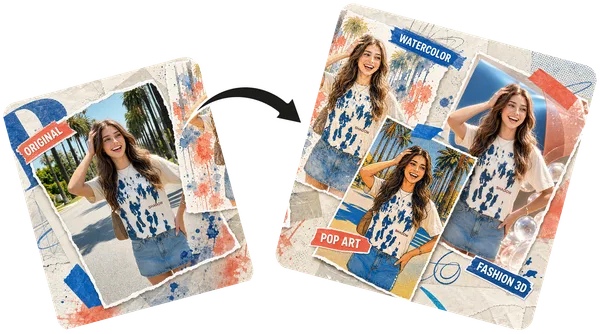
Your remixes will appear here
Upload an image and pick a style on the left — remixed images land on this canvas.
AI Image Remix
Remix an Image with AI
Remix an image with AI in seconds — upload any photo and transform it into stunning new variations and art styles. Choose from Nano Banana 2, GPT Image, FLUX and more.
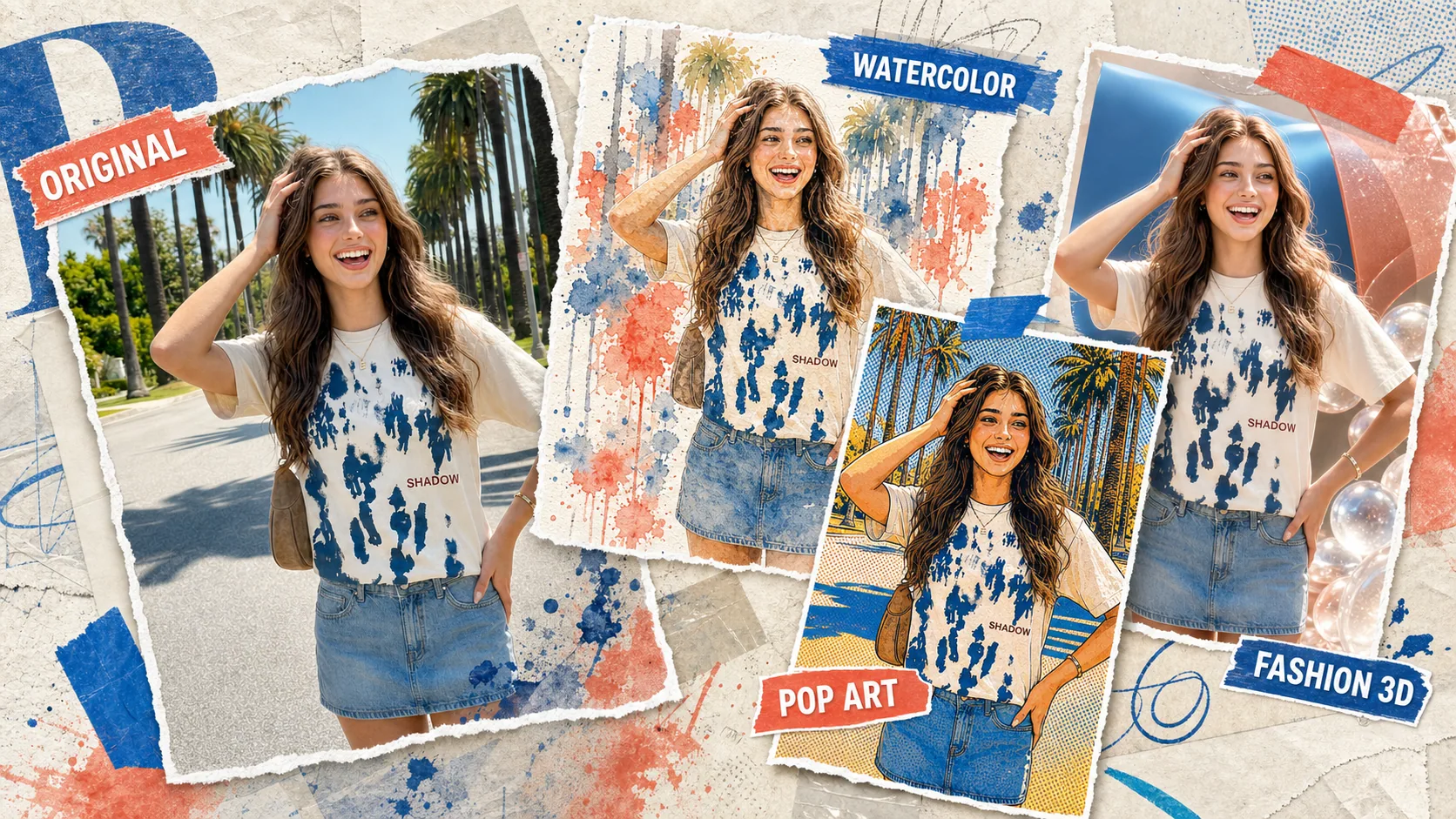
What Does It Mean to Remix an Image with AI?
Transform any idea into stunning visual variations
An AI image remix generator takes your text description and creates unique visual interpretations using advanced AI models. Unlike simple filters, AI remix understands composition, style, lighting, and mood to produce truly creative variations that go beyond what traditional editing tools can achieve.
Style Transfer
Apply artistic styles — watercolor, oil painting, anime, cyberpunk, and more
Composition Control
Adjust scene layout, camera angles, lighting conditions, and environment
Infinite Variations
Generate unlimited unique variations from a single concept or reference
How to Remix an Image with AI
Three simple steps to remix an image with AI
01
Describe Your Vision
Write a detailed prompt describing what you want to create — style, mood, colors, composition.
02
Choose Your Model
Select from Nano Banana 2, GPT Image, FLUX, or other AI models. Each has unique strengths.
03
Generate & Refine
Hit generate and get results in seconds. Iterate by adjusting your prompt for perfect results.
Support
Frequently Asked Questions
Everything you need to know about AI image remixing.
Upload any photo, describe the look you want or pick an art-style preset, then hit generate — the AI reads your image and produces a fresh variation in that style within seconds. No editing skills needed.
More Free AI Tools
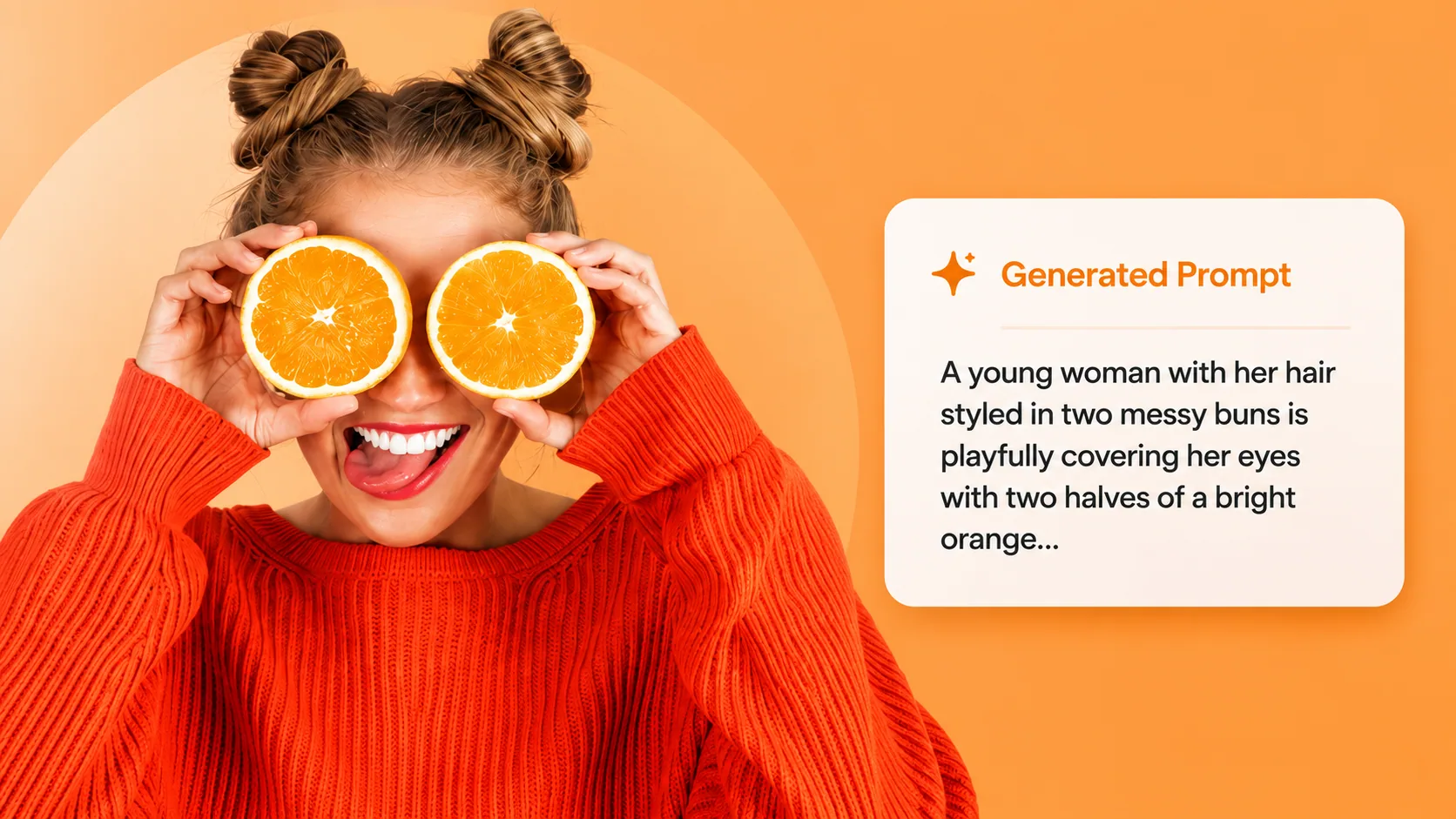
Image to Prompt
Want to remix an image you found online? Extract its prompt first, then restyle it here with full control.
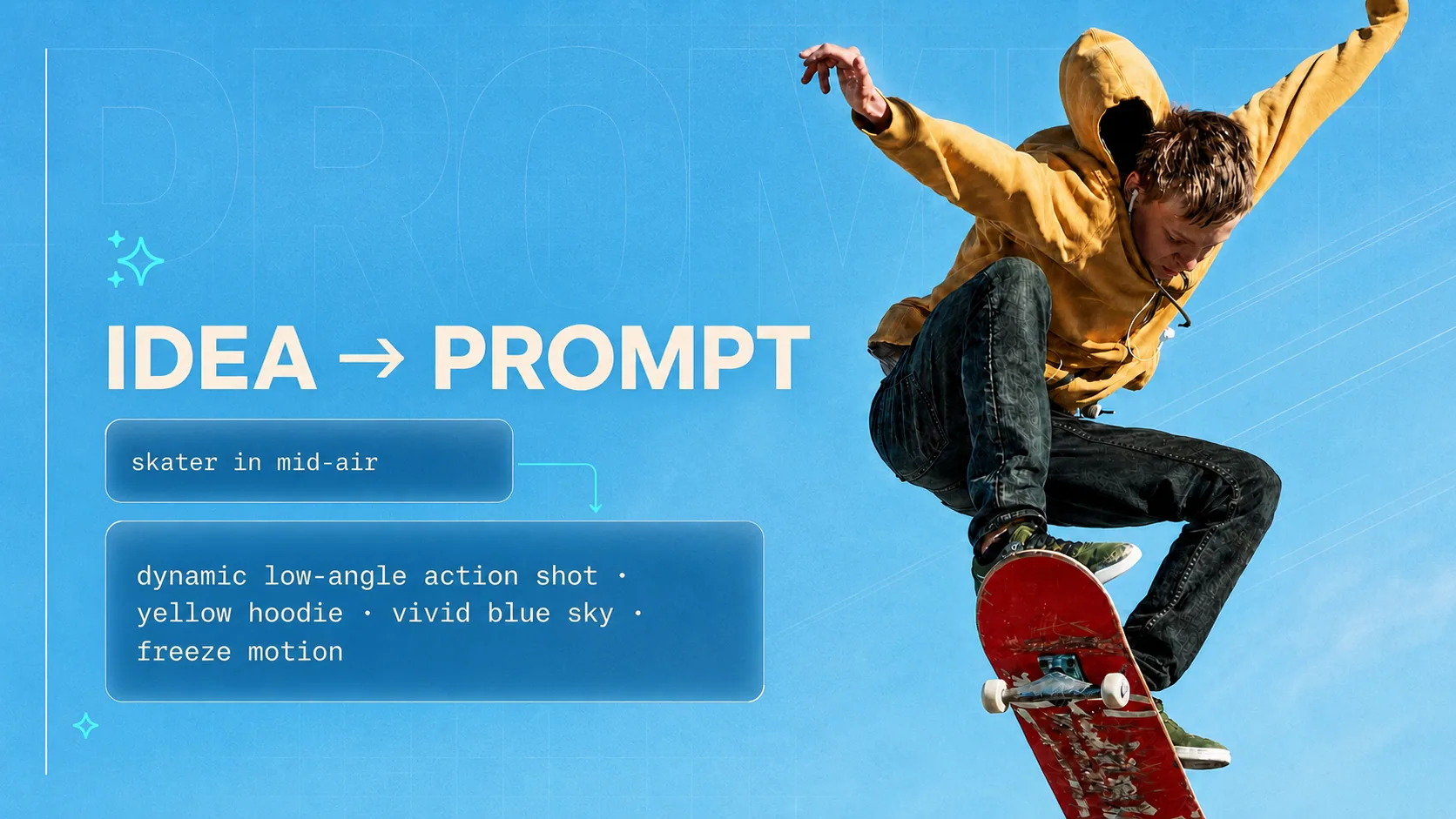
AI Prompt Generator
Struggling to describe your remix? Turn a rough idea into a detailed, model-ready prompt — free and unlimited.
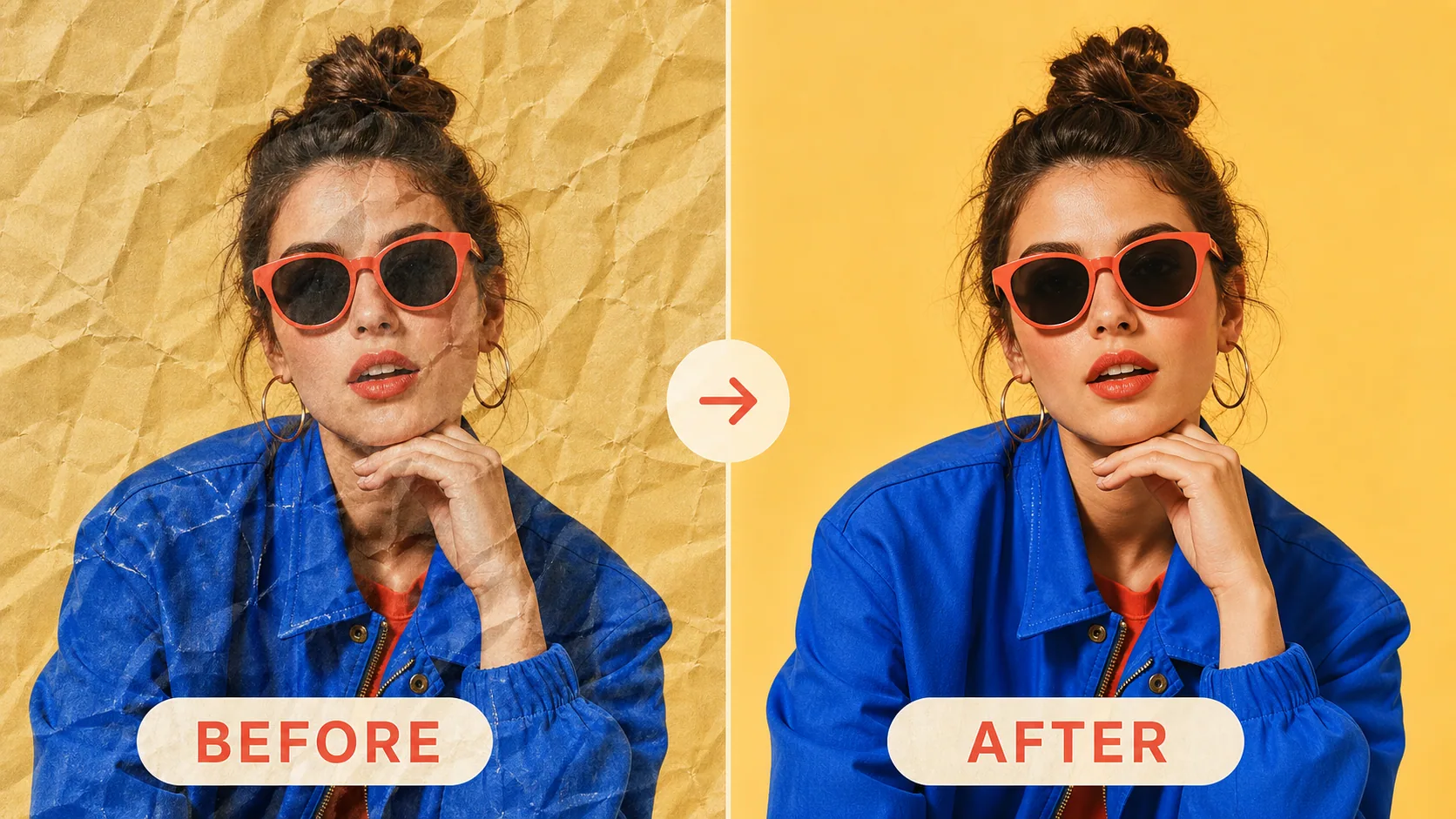
Paper Crease Remover
Restoring instead of restyling? Remove creases and fold marks from scanned photos and documents with AI.
Start Remixing Now
Describe your creative vision and let AI bring it to life in seconds.